Best Projector for Bedroom · Netflix Built In

Best Projector With Netflix Built In

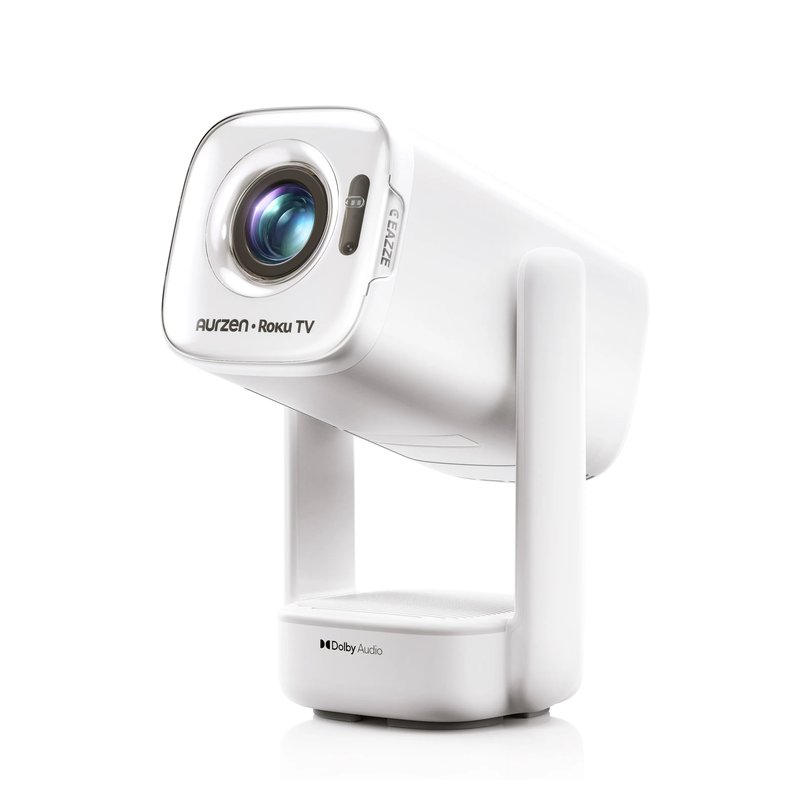
For Netflix without a stick, buy a projector whose brand states licensed or certified Netflix, or one running Roku TV with Netflix in its app list: our top pick is the Aurzen EAZZE D1R Cube. Tom’s Guide covered it as the first projector with Roku TV built in, so Netflix, Prime Video and Disney+ sit in familiar Roku menus. Aurzen rates it at 330 ANSI lumens, and The Hook Up measured 322.

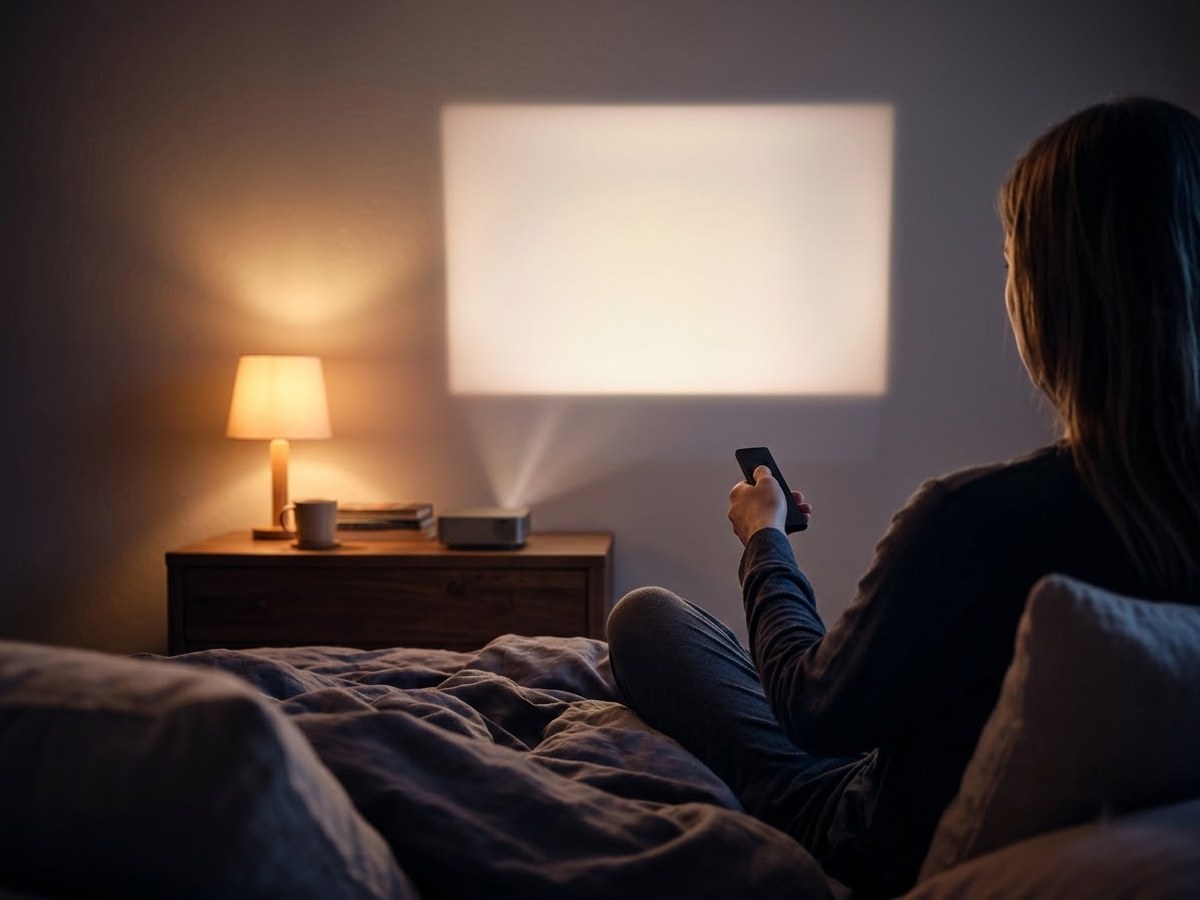
Person seen from behind holding a remote toward a large projected image on a bedroom wall

Our top 3

Top picks at a glance

Best Netflix-ready#1
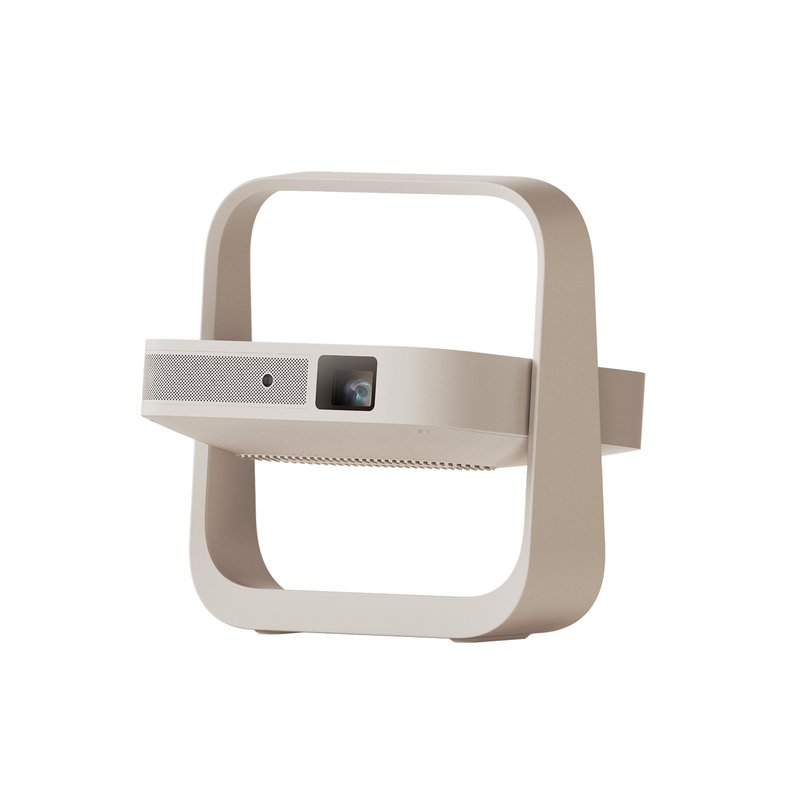
Aurzen EAZZE D1R Cube projector

Aurzen EAZZE D1R Cube

Mid-range price range

Roku TV built in, 330 ANSI lumens rated (322 measured) and a sleep timer.

See full specs ›
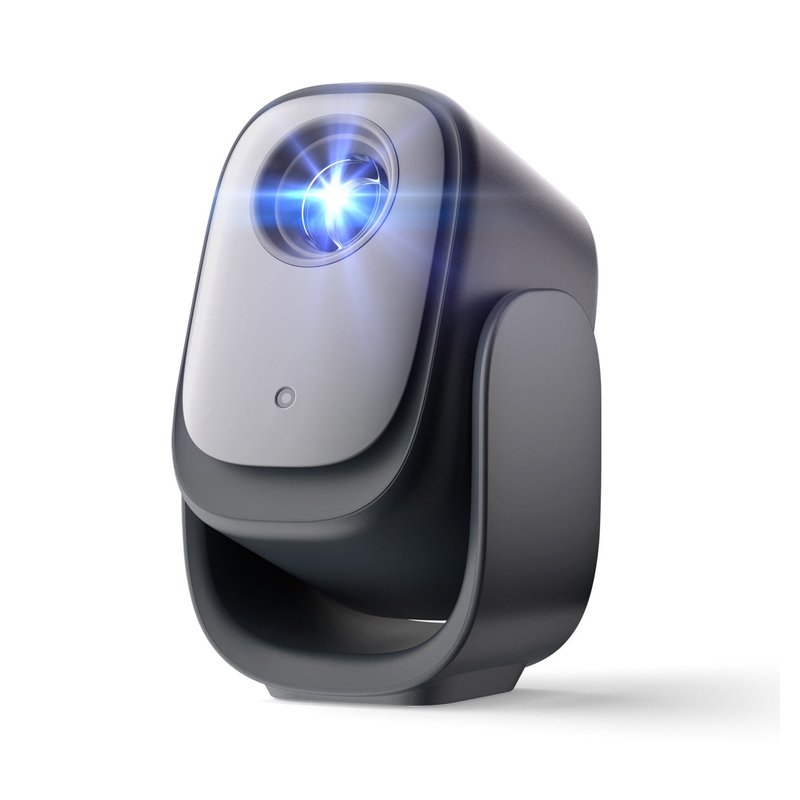
Best with a gimbal#2
Dangbei N2 mini projector

Dangbei N2 mini

Mid-range price range

Licensed Netflix on Dangbei’s Linux system plus a 190° gimbal.

See full specs ›
Best with Google TV#3
XGIMI Elfin Flip Plus projector

XGIMI Elfin Flip Plus

Premium price range

Google TV with licensed Netflix and the highest brightness rating we list.

See full specs ›

In detail

Who each one suits

Specifications are each brand’s own; fit notes draw on independent reviews and measurements. We have not tested or used these projectors ourselves.

Best Netflix-ready#1

Aurzen EAZZE D1R Cube

Tom’s Guide covered the D1R Cube’s launch as the first projector with Roku TV built in, so Netflix and the other big apps run on the same Roku system many people already know from their TV. Aurzen rates it at 330 ANSI lumens, and The Hook Up measured 322 ANSI, very close to the claim.

Why it stands out

  • Roku TV built in: Netflix, Prime Video, Disney+, Hulu and YouTube with no stick.
  • Brightness that held up in independent testing (322 ANSI measured vs 330 rated).
  • Sleep timer, AirPlay and 2×5W Dolby Audio speakers.
Brightness (brand)330 ANSI lumens
ResolutionNative 1080p
Apps & NetflixRoku TV built in
Ceiling viewingCeiling mount (1/4″ screw)
Fan noise (brand)35 dB or less

Good fit if

  • You already use Roku and want the same remote and menus.
  • You want honest, measured brightness in the Mid-range tier.
  • You fall asleep watching and want a sleep timer.

Skip it if

  • You want to lie back and watch the ceiling — it has no tilting stand, only a 1/4″ mount.
  • Noise matters most: Aurzen rates it at 35 dB or less, louder than the 27–30 dB models.
Best with a gimbal#2

Dangbei N2 mini

The N2 mini puts the three things a bedroom asks for into one Mid-range box: a gimbal that tilts from the wall to the ceiling, licensed Netflix with no stick, and a fan Dangbei rates under 27 dB. It is a native 1080p LCD projector rated at 200 ISO lumens, which suits a dark room and a modest image better than a bright one.

Why it stands out

  • Built-in gimbal with 190° of tilt, so it can sit on a nightstand and aim straight up at the ceiling.
  • Licensed Netflix, YouTube and Prime Video come pre-installed on Dangbei’s Linux system (the brand’s description).
  • Auto focus, auto keystone, screen fit and obstacle avoidance; Dangbei rates the fan under 27 dB.
Brightness (brand)200 ISO lumens
ResolutionNative 1080p
Apps & NetflixLinux OS, licensed Netflix
Ceiling viewingBuilt-in gimbal, 190° tilt
Fan noise (brand)Under 27 dB

Good fit if

  • You watch with the lights off and want 80–100 inches, not a giant screen.
  • You want to lie back and watch on the ceiling without a tripod.
  • You want Netflix to work out of the box.

Skip it if

  • Light leaks in at night — a brighter model like the Elfin Flip Plus copes better.
  • You need Google TV specifically: the N2 mini runs Dangbei’s own Linux system with about 300 apps.
  • You want battery power — it has none.

Brightness is Dangbei’s own ISO 21118 figure. Android Authority framed its review around ceiling viewing, which is where this model makes the most sense.

Best with Google TV#3

XGIMI Elfin Flip Plus

The Elfin Flip Plus is the brightest model in our list on paper: XGIMI rates it at 500 ISO lumens. It is a slim, book-sized 1080p projector with Google TV and licensed Netflix, and its integrated stand rotates 150°, so it can point at a wall or the ceiling.

Why it stands out

  • 500 ISO lumens (XGIMI’s figure), the most of any projector we list.
  • Google TV with licensed Netflix; throw ratio of 1.2:1 for a big image in a short room.
  • Fan rated 28 dB or less; XGIMI’s Intelligent Eye Protection dims the image when someone steps in front of the lens.
Brightness (brand)500 ISO lumens
ResolutionNative 1080p
Apps & NetflixGoogle TV, licensed Netflix
Ceiling viewingFlip stand, 150° rotation
Fan noise (brand)28 dB or less

Good fit if

  • Your bedroom isn’t fully dark at night.
  • The room is short and you need a large image from close up.
  • You want Google TV and a design that looks tidy on a dresser.

Skip it if

  • You need a battery.
  • Your budget stops at Mid-range — it sits in our Premium tier.
Also worth a look

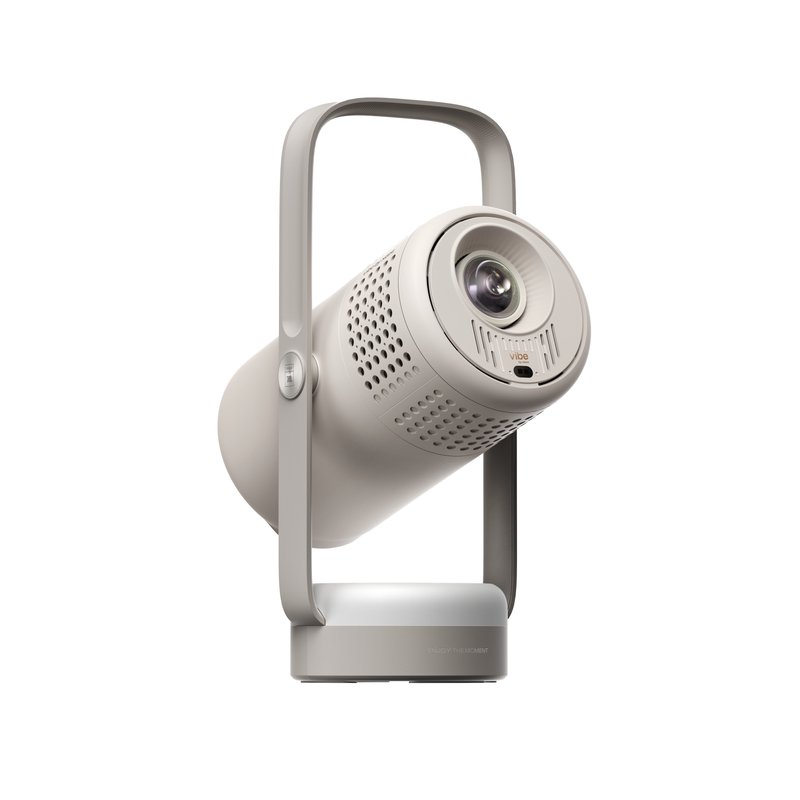
XGIMI Vibe One

The Vibe One is a friendly-looking 1080p projector with a 160° built-in stand, Google TV with licensed Netflix and sound by JBL. XGIMI rates it at 250 ISO lumens and 28 dB or less. What Hi-Fi named it its best cheap portable projector.

Why it stands out

  • Built-in 160° stand from wall to ceiling.
  • Google TV with licensed Netflix; 2×3W speakers tuned by JBL.
  • Fan rated 28 dB or less; small battery (up to 1.2 hours of video in Eco).
Brightness (brand)250 ISO lumens
ResolutionNative 1080p
Apps & NetflixGoogle TV, licensed Netflix
Ceiling viewingBuilt-in 160° stand
Fan noise (brand)28 dB or less

Good fit if

  • You want a Mid-range projector for a kid’s room or a family movie night.
  • You like ceiling viewing at bedtime.
  • Design matters as much as specs.

Skip it if

  • You want a long battery life — treat it as a plug-in projector.
  • You need more brightness for a room with light leaks.
Also worth a look

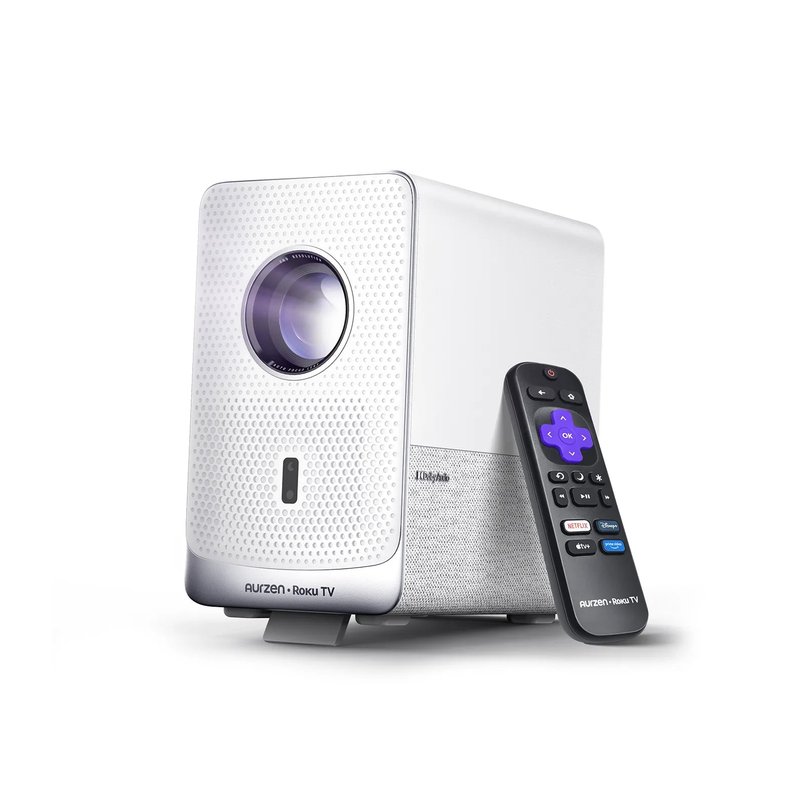
Aurzen EAZZE D1R air

The D1R air keeps Roku TV and native 1080p but adds a built-in adjustable stand and USB-C power, so it can run from a compatible power bank. Aurzen rates it at 300 ANSI lumens and recommends images up to 80 inches.

Why it stands out

  • Roku TV built in; native 1080p; 300 ANSI lumens (SGS-certified, per Aurzen).
  • Built-in adjustable stand; Aurzen mentions ceiling viewing setups.
  • USB-C power that works with 65W+ PD power banks.
Brightness (brand)300 ANSI lumens
ResolutionNative 1080p
Apps & NetflixRoku TV built in
Ceiling viewingBuilt-in adjustable stand
Fan noise (brand)Not stated

Good fit if

  • You want Roku with a tilting stand.
  • You keep images around 80 inches in a small room.

Skip it if

  • You need a stated fan-noise figure — Aurzen doesn’t publish one for this model.
  • You want a built-in battery; it relies on mains or a power bank.

Tired of juggling sticks and remotes?

A certified system means one remote and apps that keep getting updates.

Read buyer reviews ›

Tips

Three things that make the difference

01

Look for “licensed” or “certified”

Netflix says its app works only on projectors from brands that partner with it, and lists Nebula, XGIMI, Dangbei and others.

02

Watch for error 5001

Netflix says this means the device isn’t certified. Video and features may not work properly even if it plays.

03

Don’t count on AirPlay

Netflix states AirPlay and screen mirroring from iPhone and iPad aren’t supported. Built-in apps avoid that dead end.

Honest note

Built-in apps depend on the brand keeping its software current, and systems age faster than projectors: BenQ says the Netflix app on its older Android TV dongle stopped working in 2025. If your projector’s apps ever fail, a streaming stick in the HDMI port brings them back.

FAQ

Questions people ask

Why don’t all projectors have Netflix?

Netflix has to certify the device. Netflix says its app works only on projectors made by brands that have partnered with it, and some older models may no longer be supported. Many cheap projectors run uncertified Android; Netflix says uncertified devices can show error 5001 and may not play or work properly.

Which projector brands support Netflix?

Netflix’s help page lists brands including Samsung, LG, Wanbo, Xiaomi, Nebula, XGIMI and Dangbei. Projectors with Roku TV or certified Google TV, such as Aurzen’s Roku models and the TCL C1, also include it. Check the specific model, not just the brand.

Is Google TV or Roku TV better on a projector?

Both run Netflix and the major apps. Google TV adds Chromecast casting and kids profiles; Roku keeps menus simple and familiar if you already use Roku on a TV. Pick the one your household knows.

Can I use a Fire TV Stick instead?

Yes. Netflix’s own advice for unsupported projectors is to connect a supported device over HDMI. Roku says sticks need a 5V, 1A supply; Android Central says Fire TV Sticks need at least 1A, so use the wall adapter if the projector’s USB port is weak.

Why do I get a black screen when I mirror Netflix?

Mirroring isn’t supported. Netflix says AirPlay and screen mirroring are no longer supported from iPhone, iPad or Mac, and Android mirroring apps might not be supported either. Nebula’s guide blames DRM restrictions and suggests HDMI instead.

What is Netflix error 5001 on a projector?

It means the device isn’t certified. Netflix says you can dismiss the message, but it can’t guarantee video quality, audio or features, and recommends using another device.

Press play, not plug in: Netflix ready out of the box

Want the full picture? See our best projector for bedroom, compared by room, and the FAQ on brightness, distance and apps.